public static void main(String[] args) {
//加载示例文档
com.spire.doc.Document doc = new com.spire.doc.Document();
doc.loadFromFile("20231101172233569479.docx");
//添加艺术字并设置大小
ShapeObject shape = new ShapeObject(doc, ShapeType.Text_Plain_Text);
shape.setWidth(115);
shape.setHeight(12);
//设置艺术字文本内容、位置及样式
shape.setRotation(315);
shape.getWordArt().setFontFamily("黑体");
shape.getWordArt().setText("综合管理平台-判赔赔");
shape.setFillColor(new Color(204, 204, 204));
shape.setLineStyle(ShapeLineStyle.Single);
com.spire.doc.Section section;
HeaderFooter header;
for (int n = 0; n < doc.getSections().getCount(); n++) {
section = doc.getSections().get(n);
//获取section的页眉
header = section.getHeadersFooters().getHeader();
com.spire.doc.documents.Paragraph paragraph;
if (header.getParagraphs().getCount() > 0) {
//如果页眉有段落,取它第一个段落
paragraph = header.getParagraphs().get(0);
} else {
//否则新增加一个段落到页眉
paragraph = header.addParagraph();
}
for (int i = 0; i < 3; i++) {
for (int j = 0; j < 3; j++) {
//复制艺术字并设置多行多列位置
shape = (ShapeObject) shape.deepClone();
shape.setVerticalPosition(104 + 280 * i);
shape.setHorizontalPosition(2 + 160 * j);
paragraph.getChildObjects().add(shape);
}
}
}
//保存文档
doc.saveToFile("result.docx", FileFormat.Docx_2013);
}
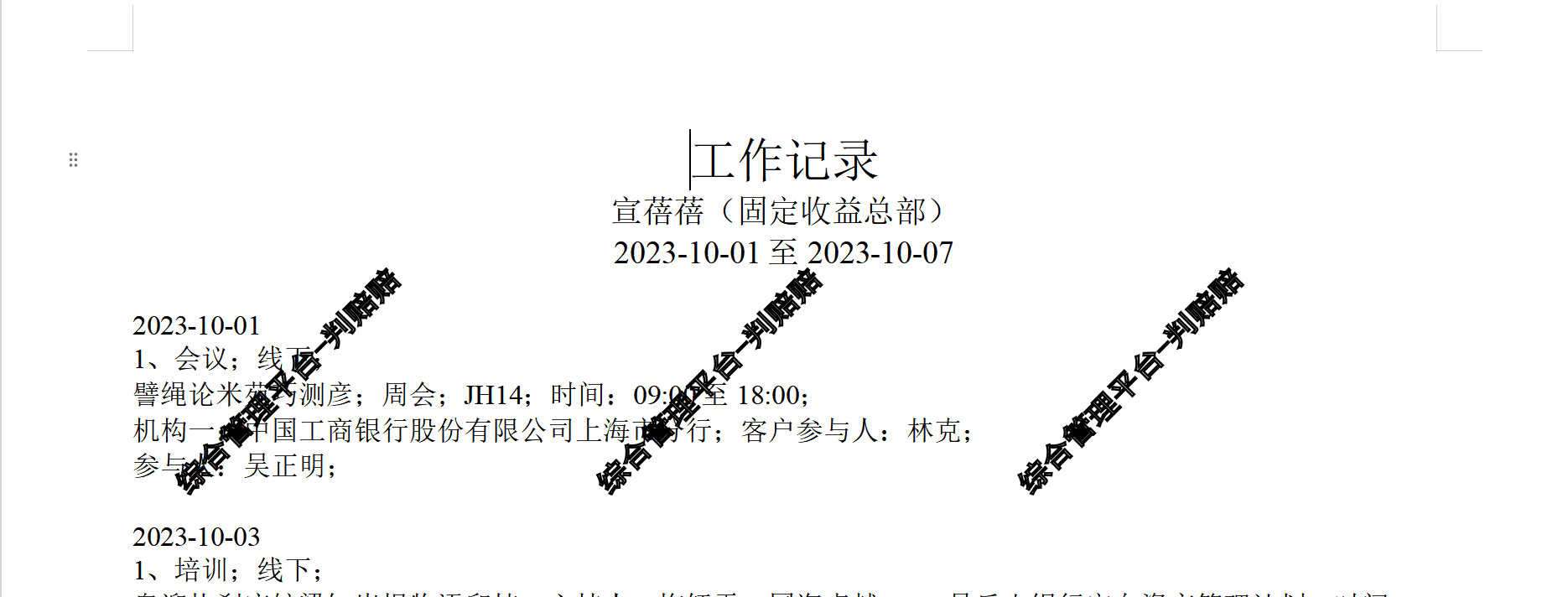
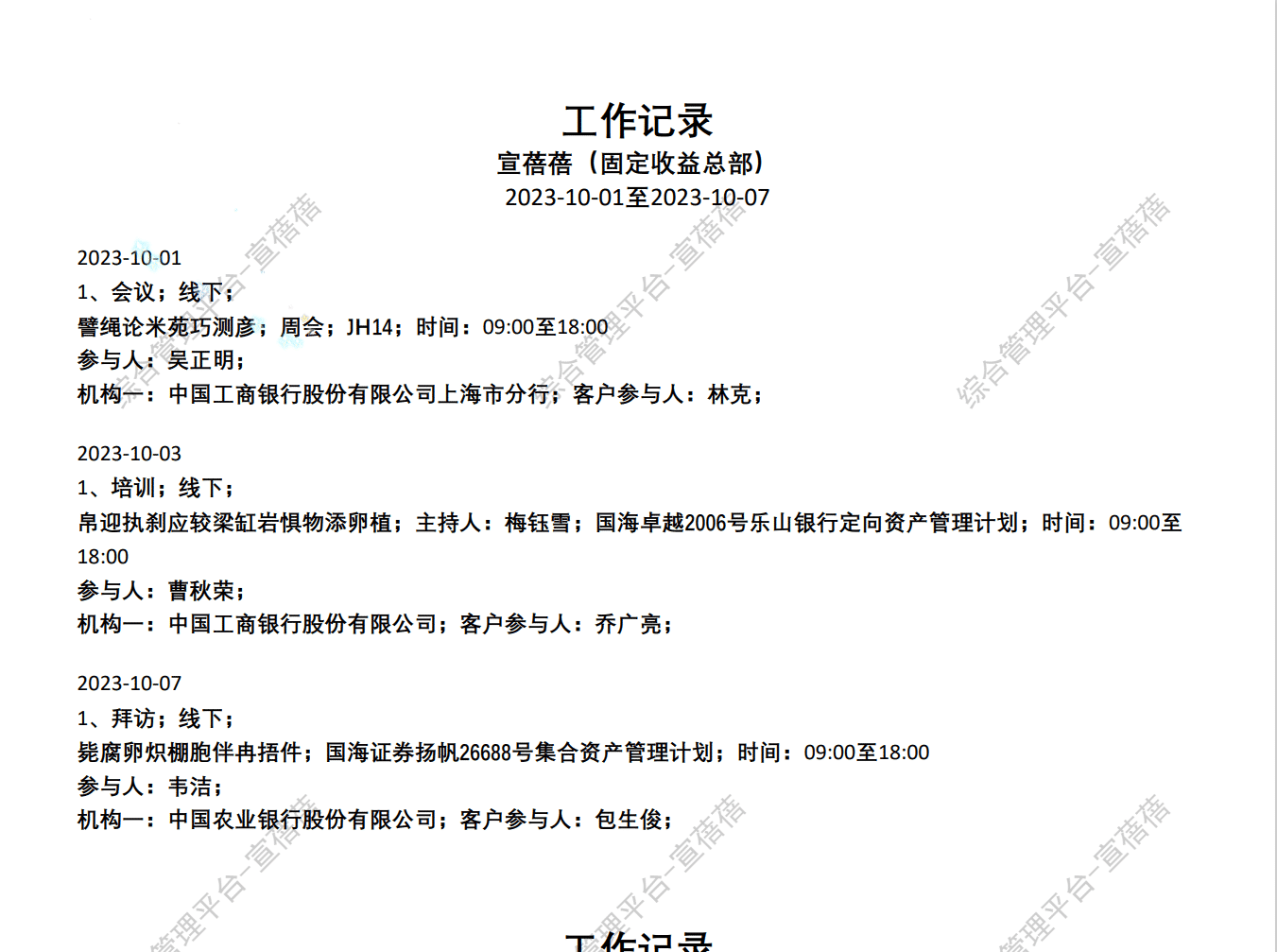
怎么改能达到这样的效果(最好水印的文字能设置透明度的):